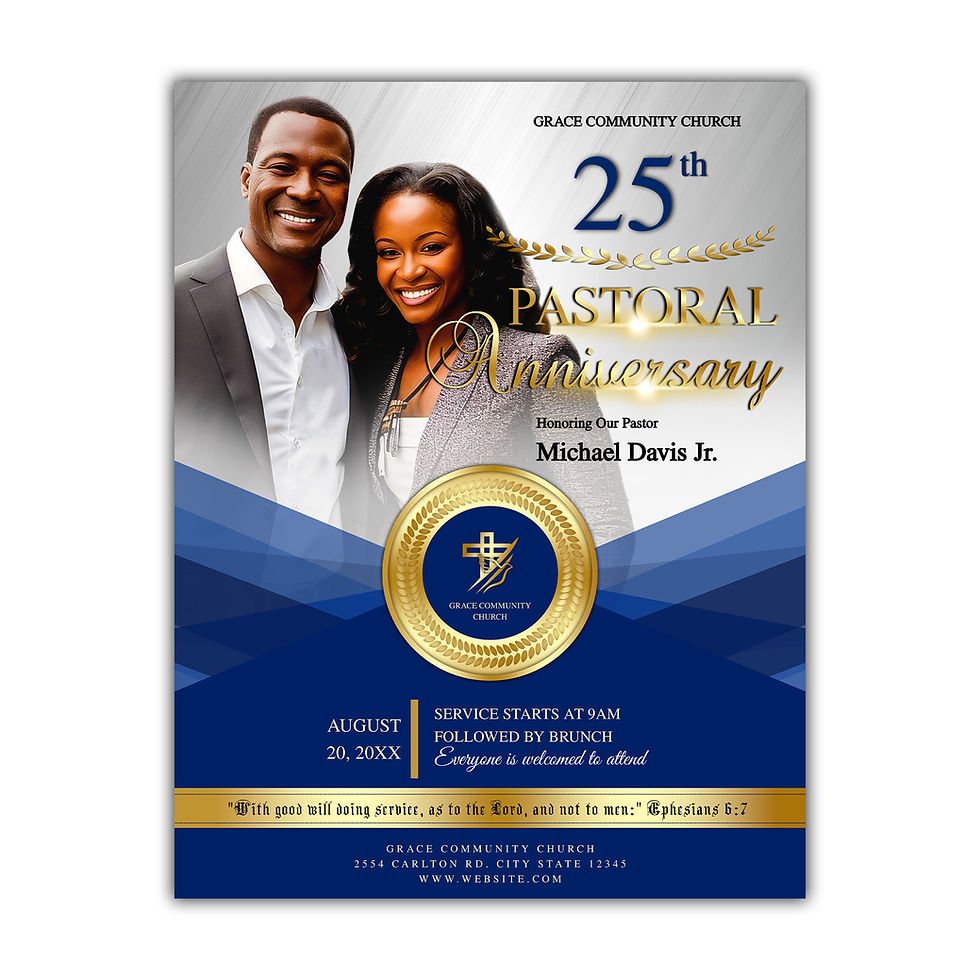
Create impactful and visually engaging church announcements with this 12 Church Announcement Slide Template Bundle, designed to help churches communicate clearly, consistently, and professionally across every service. Built to save time and reduce stress, this bundle provides everything needed to deliver cohesive, on-brand announcements without the need to design from scratch each week.
Perfect for worship services, livestream presentations, and weekly church updates, these slides make it easy to keep congregations informed, encouraged, and connected. Instead of managing multiple layouts or recreating content week after week, information can simply be updated and presented with confidence and ease.
Simply edit text details, adjust colors and fonts, and add photos as needed to match church branding. Thoughtfully designed with a modern, refined aesthetic, these templates deliver a polished and professional look across every presentation. Whether promoting Sunday service, midweek gatherings, prayer meetings, Bible study, worship nights, or giving updates, each slide is created to simplify weekly communication while maintaining a cohesive and engaging visual experience.
Please Note: The title fonts are fixed text elements and cannot be edited. Only the event details and informational text sections are customizable. Use the drag-and-drop tool to easily add and replace your photos within the template. Photos are not included. To request title wording changes, please purchase the add-on service for Specialty Font Editing Effects.
Product Details:
12 Church Announcement & Livestream Slide Templates (1920 x 1080 px)
High-quality 300 DPI templates designed for sharp, professional display on screens, livestreams, and presentations.
Delivery: Instant download – no physical item will be shipped.